Master your tools. Reclaim your time.
Every keyboard, switch and shortcut explained in a few minutes, plus free cheat sheets so you stop reaching for the mouse.
Latest guides
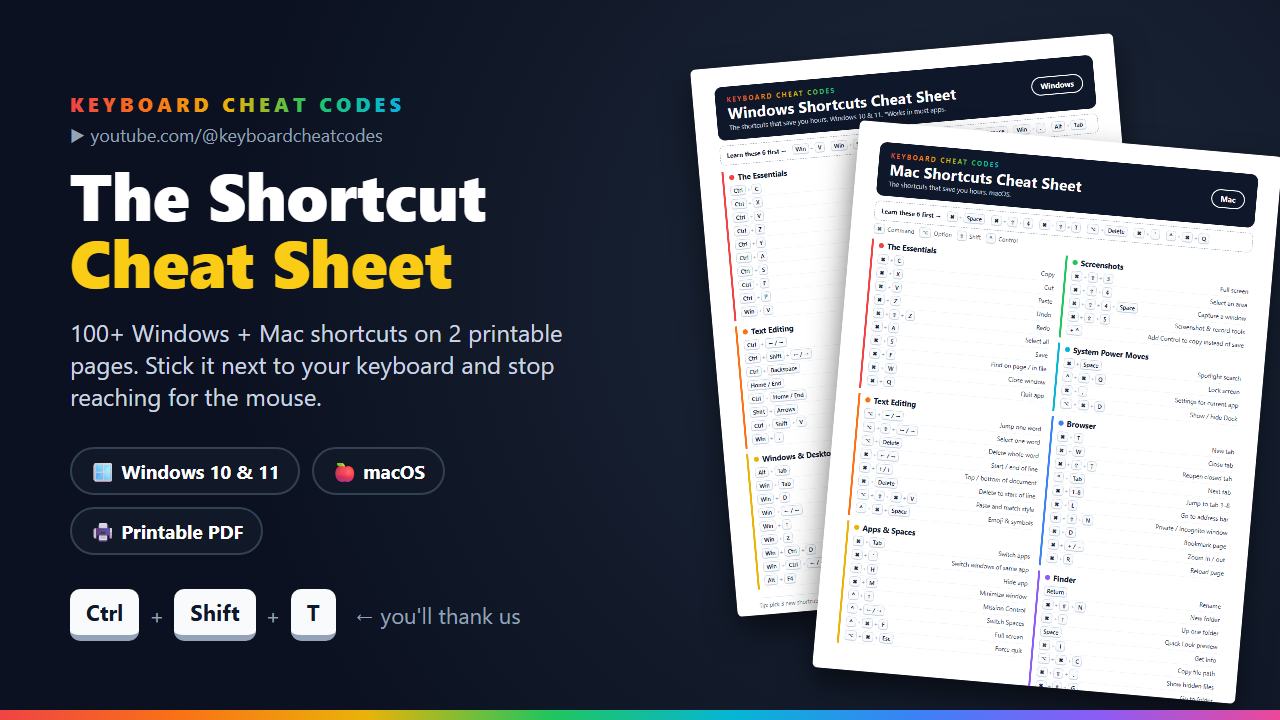
How to Turn On Your Keyboard Light (ThinkPad, Dell, HP, MacBook)
Keyboard backlight not on? The keys to light up your keyboard on Lenovo ThinkPad, Dell, HP and MacBook laptops, plus what to check if nothing happens.
7 Typing Mistakes That Slow You Down (and How to Fix Them)
Wrong fingers, flat fingers, looking down, overusing Backspace and more: the 7 most common typing mistakes and the simple fixes that make you faster and more accurate.
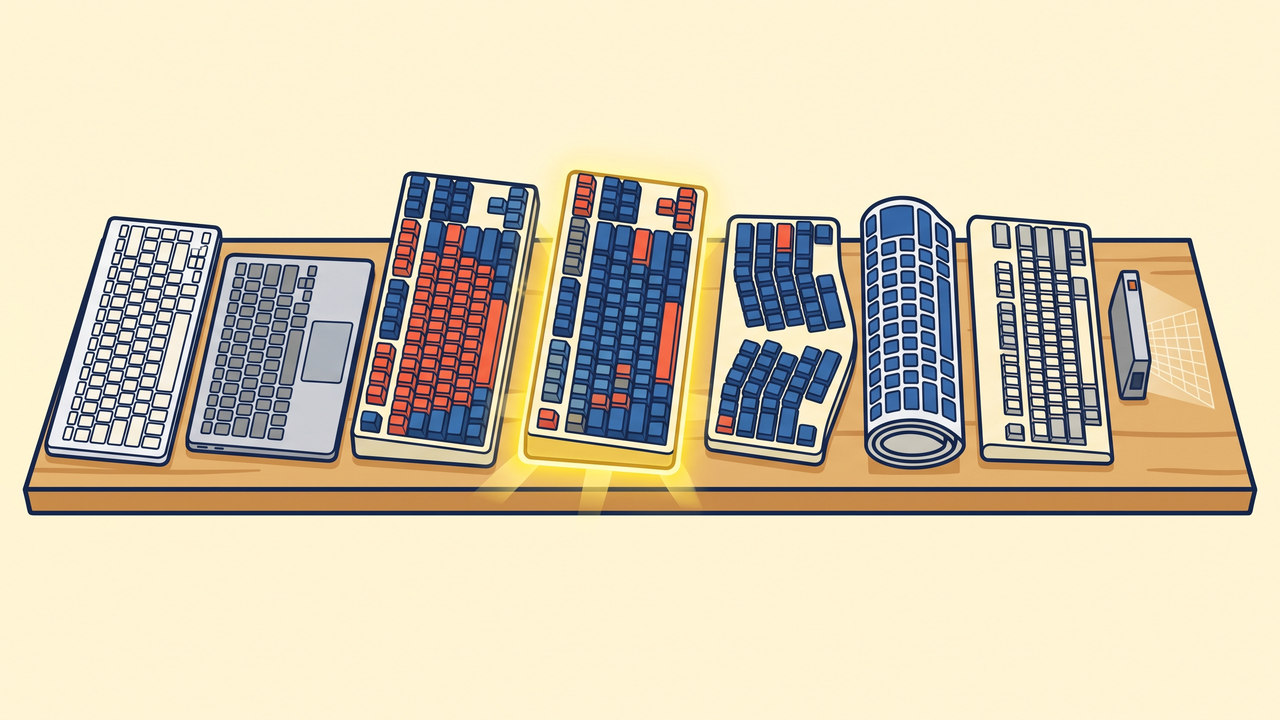
Every Type of Keyboard Explained (and Which One Is Right for You)
Membrane, scissor, mechanical, optical, Hall-effect, Topre, split, roll-up and laser projection: all 9 keyboard types explained in plain English, with a quick guide to picking yours.
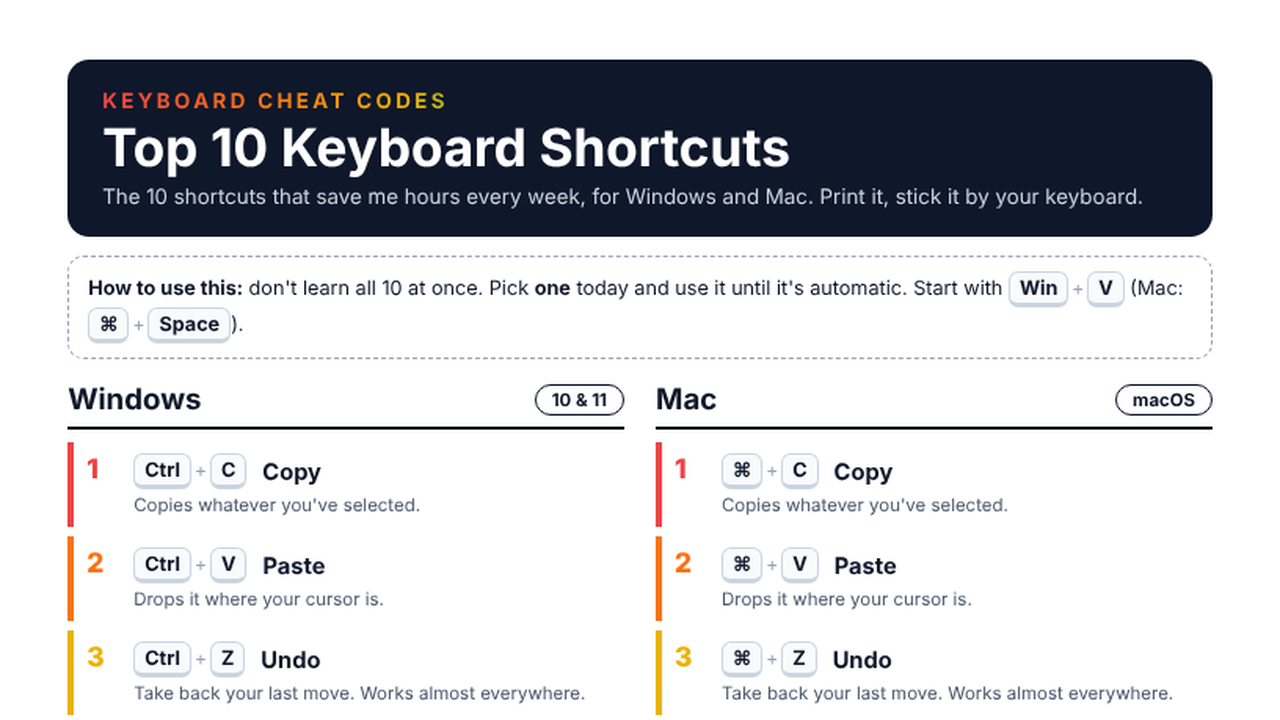
The 10 Keyboard Shortcuts That Save Me Hours (Windows + Mac)
The 10 keyboard shortcuts worth learning first, for Windows and Mac side by side, plus the one trick that makes them stick. Free printable cheat sheet included.
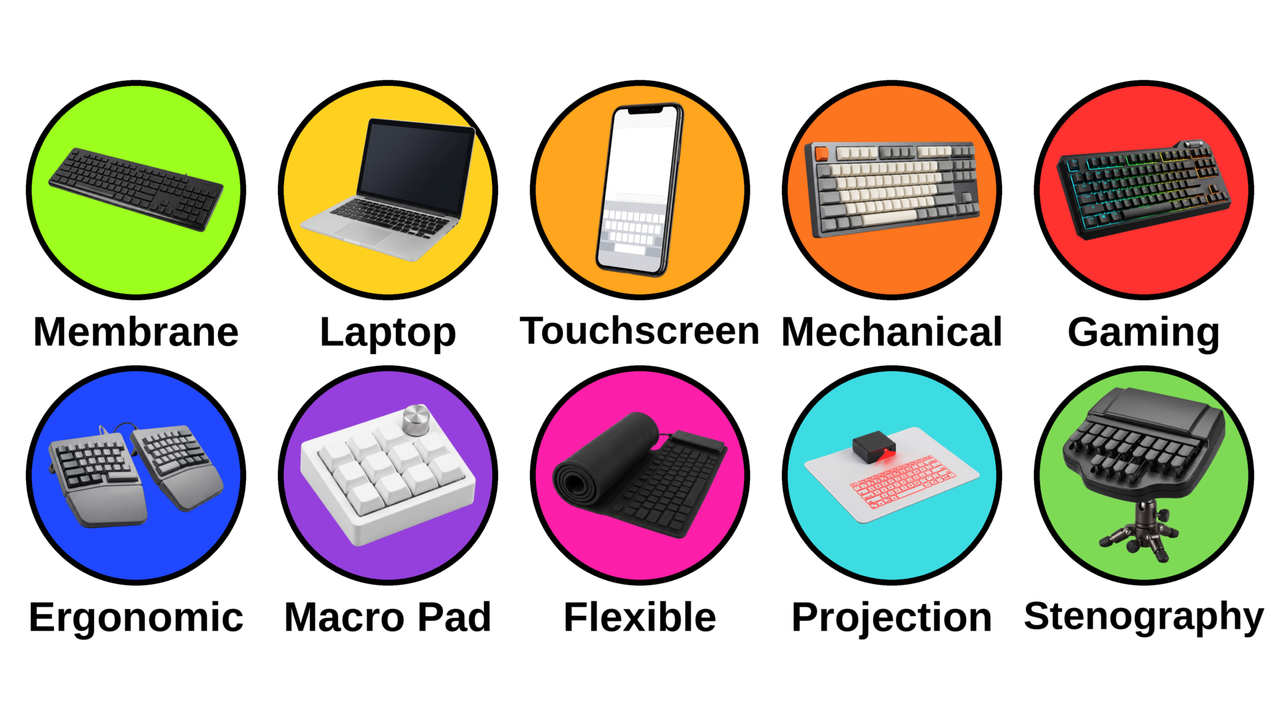
10 Types of Keyboards, Explained in 3 Minutes (From Membrane to Stenography)
Membrane, laptop, touchscreen, mechanical, gaming, ergonomic, macro pad, flexible, projection and stenography keyboards: what makes each one different and who it's for.
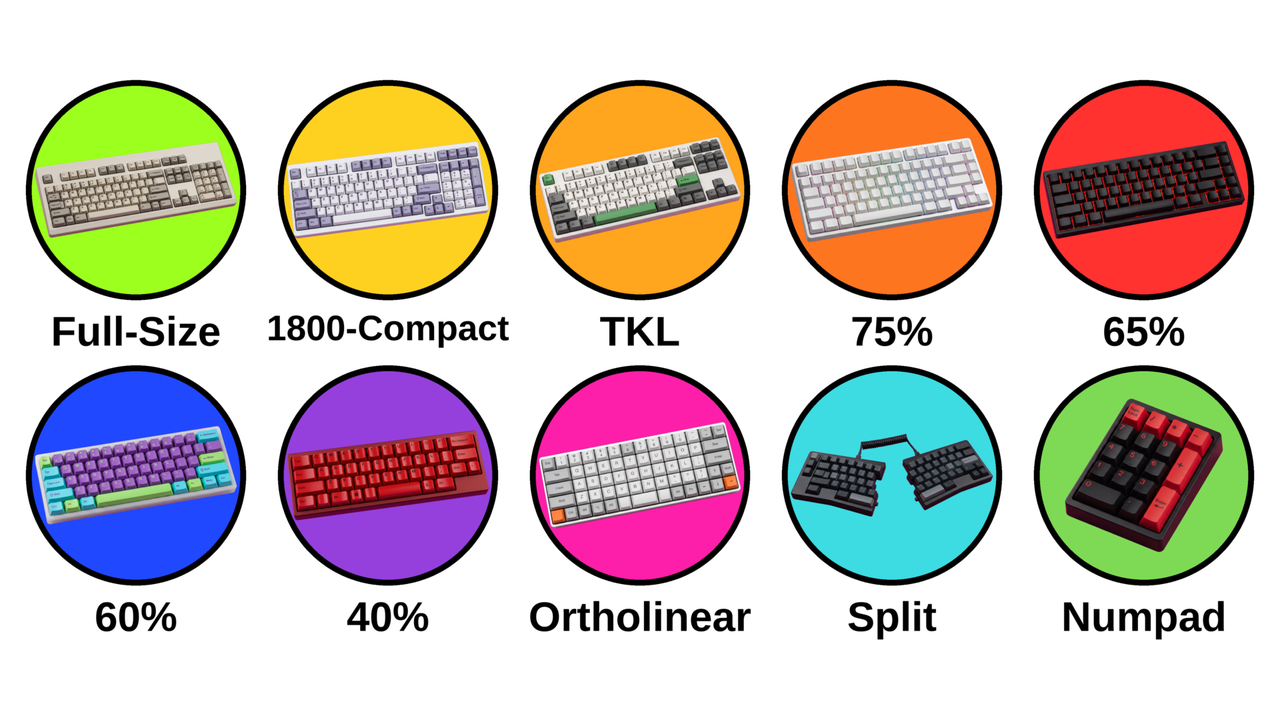
Every Keyboard Size Explained: Full-Size, TKL, 75%, 65%, 60% and 40%
Full-size, 1800, TKL, 75%, 65%, 60%, 40%, ortholinear, split and the standalone numpad: what each keyboard size keeps, what it drops, and who it's for.
The shortcut library
Every shortcut from the cheat sheet, each with its own 1-minute guide for Windows and Mac.
Free: the Top 10 keyboard shortcuts (PC & Mac)
The 10 shortcuts that save me hours every week, on one printable page. Stick it by your keyboard.
Want all 107? The full Shortcut Cheat Sheet
Windows 10 & 11 and Mac on 2 color-coded, printable pages, with a "learn these 6 first" strip. One-time $7, 30-day refund.